
Shopping
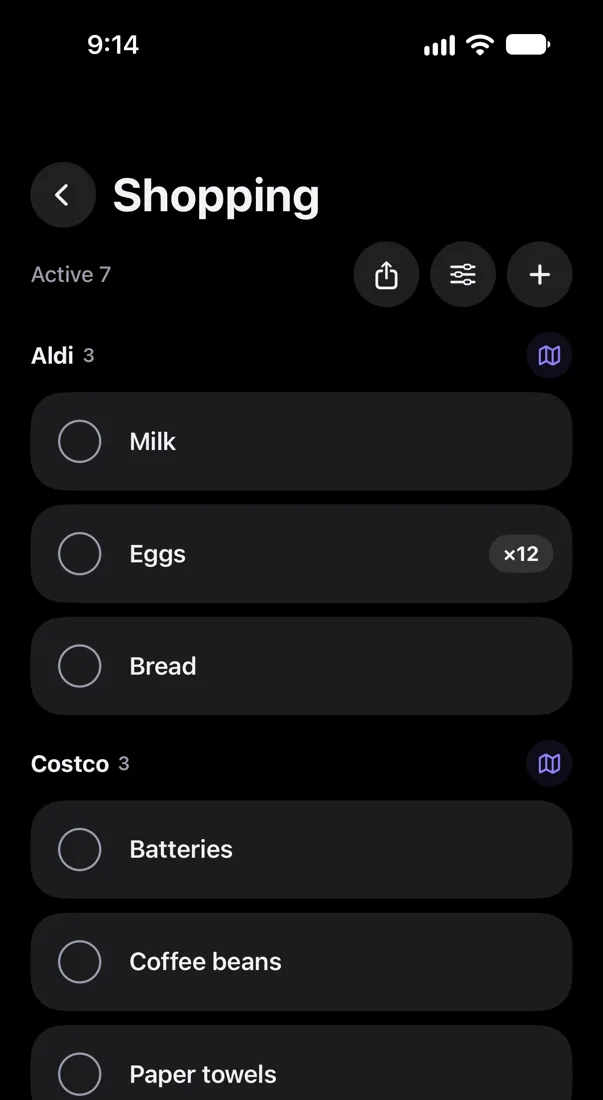
Sorted by shop. Everything in one trip.
Grouped by your shops. Bought items cross off in place, and you can share a shop’s list in a tap.
Type it. Say it. Snap it. Sorta sorts the rest.

AI Sorting
Sorta reads each note, splits a line with several things into separate notes, files them under To-do, Shopping or Food, and finds the date for you. Tuned on more than 2,000 notes.
No Apple Intelligence?
Not every device can use Apple Intelligence. Sorta brings its own rules and its own sorting model, trained on nearly 13,000 example notes in English and Chinese, so it still sorts notes, finds dates, sets reminders and searches, all on your device.
One press on the Action button, in Control Centre or on the Lock Screen, and you can speak, snap a photo or take a screenshot. No category to pick: Sorta sorts it for you.
It’s written down, and the recording is kept too.
Snap a list, and it becomes several notes.
The screenshot is only read. By default, it isn’t kept.
Start it from anywhere on your iPhone.
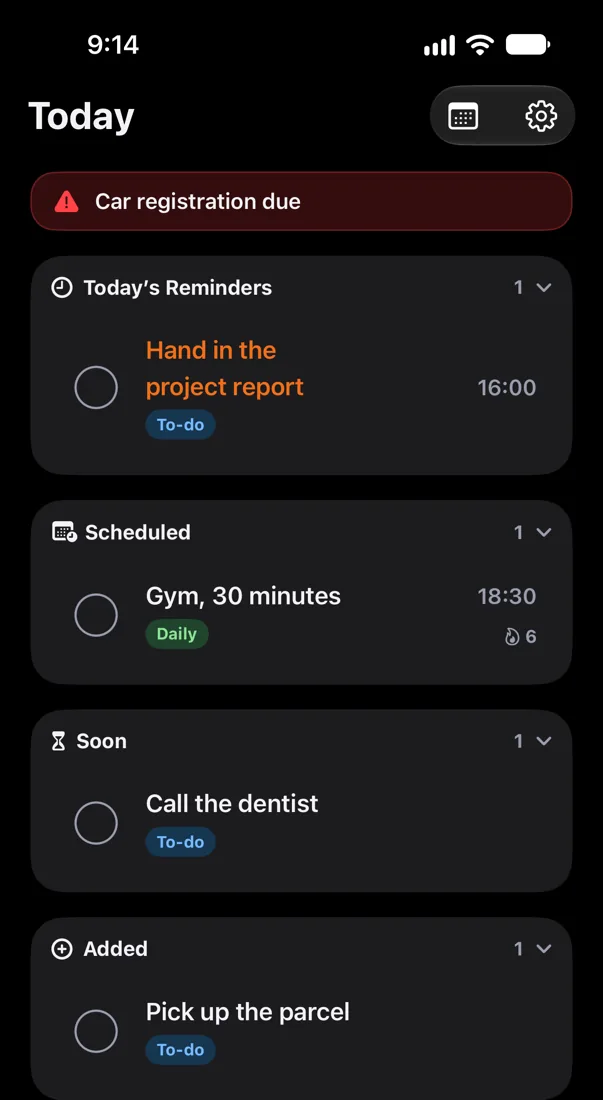
Today
Your to-dos and urgent notes are ordered for you, with priorities you can adjust. Could Do Today suggests a few more, and once you turn it on in Settings, today’s calendar events and reminders are right there too.
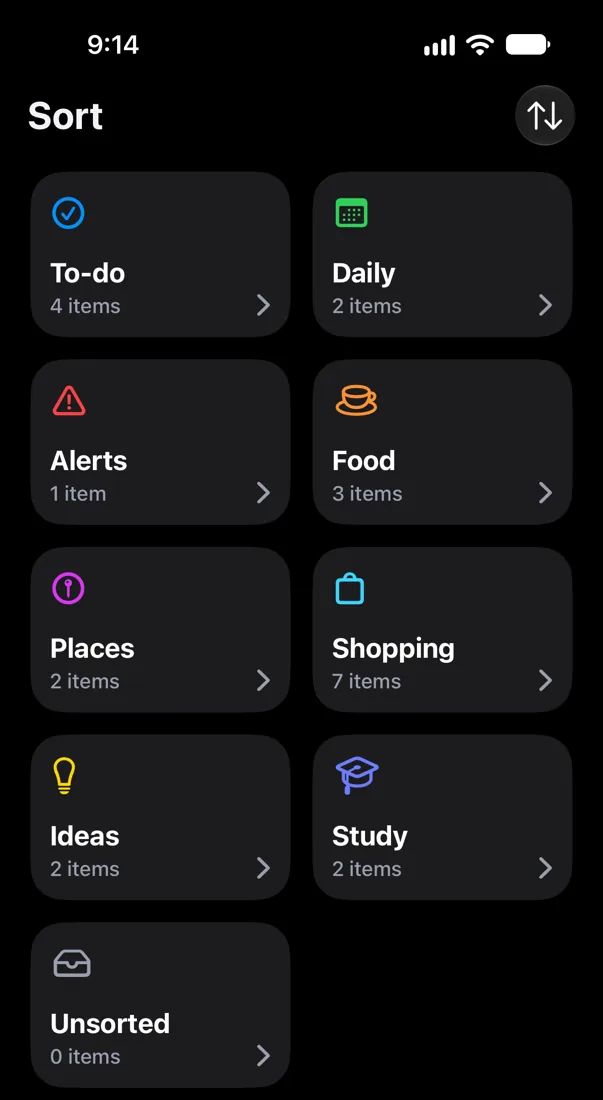
Every category, sorted its own way.
Shopping
Grouped by your shops. Bought items cross off in place, and you can share a shop’s list in a tap.
Food
Chinese, Japanese, café and brunch… sorted by type. One tap finds the place in Maps.
To-do
Sorted by when, with the days left to each deadline.
Daily
Any rhythm you like. Your streak counts itself.
Alerts
Mark one Critical and it stays at the top of Today. Several take turns.
Places
One tap opens it in Apple Maps.
Ideas
No date, no pressure. Passing thoughts wait here, apart from your to-dos.
Unsorted
Notes you haven’t filed wait in Unsorted. Tap Sort All when you’re ready and let Sorta help place them.
Your own categories
Create a category and describe what belongs there. Keep jotting things down: Sorta can file matching notes in your own categories too.
You don’t need the exact phrase. Search in your own words and Sorta finds notes by meaning.
Project reportToday
Choose Today, Tomorrow, Soon or No rush, or set a custom time with multiple reminders.
Many actions support Undo. Find deleted notes in Recently Deleted.
For things too big for one go, break them into steps. Close it to leave it, and Today shows where you were when you’re back.
Super Large Print and One-Handed modes, built by Sorta itself, plus VoiceOver, Voice Control, larger text, Reduce Motion and more.
iCloud Sync
Sorta Pro, a one-time purchase, keeps your notes in sync on every device through iCloud. Their text is encrypted on your device before it’s uploaded.
Sorta has no servers of its own.
Open it. Start writing.
We don’t collect any of your data.
Back up. Import. Export.
